How do I setup Isaac Gym Preview Release on Ubuntu?
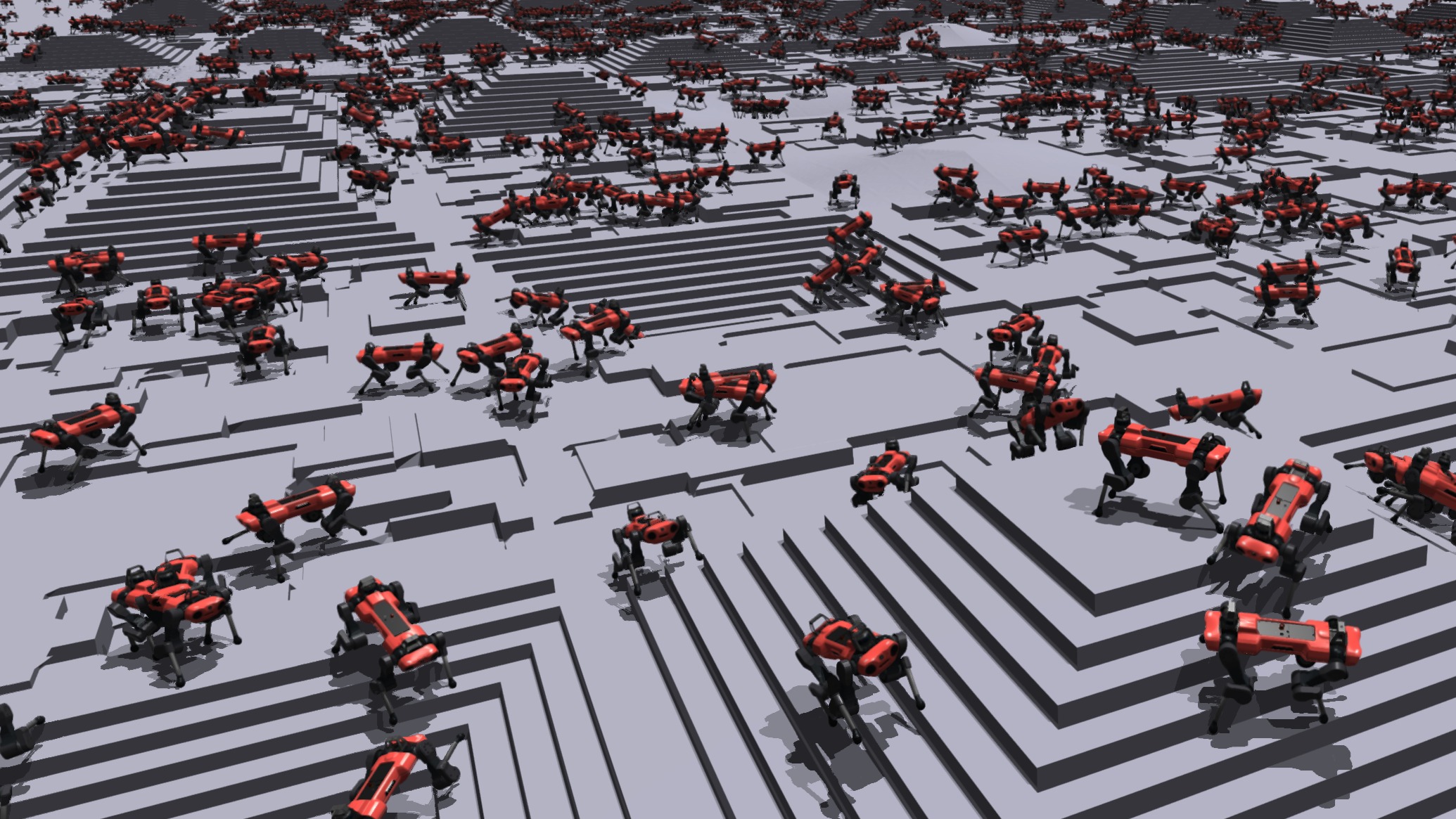
In this blog, I discuss the steps to install IsaacGym Preview Release onto your Ubuntu 18.04/20.04
I use Isaac Gym Preview Release 4. The best way that I recommend anyone to create and run Isaac Gym on Ubuntu is as follows:
- Creating a compatible Conda Environment
Installing Miniconda
 mkdir -p ~/miniconda3
 wget https://repo.anaconda.com/miniconda/Miniconda3-latest-Linux-x86_64.sh -O ~/miniconda3/miniconda.sh
 bash ~/miniconda3/miniconda.sh -b -u -p ~/miniconda3
 rm -rf ~/miniconda3/miniconda.sh
You also find the conda installation at the official documentation: https://docs.anaconda.com/free/miniconda/#quick-command-line-install
Initialise the installed Miniconda:
~/miniconda3/bin/conda init bash ~/miniconda3/bin/conda init zsh- Restart the terminal to activate conda
Checking for proper installation
To check if conda has been installed properly, you can use the command:
conda --versionDeactivate the base environment auto-activation when starting a new session using the command:
conda config --set auto_activate_base falseCreate a new conda environment with python 3.8 version
conda create --name drl python=3.8Activate the newly created conda environment
conda activate drlInstall numpy 1.23 version
pip install numpy==1.23Check if the correct versions of python and numpy are installed using:
conda list
The required conda environment is ready if all the above steps have been executed smoothly.
Install the Isaac Gym Preview Package from their official website: https://developer.nvidia.com/isaac-gym
Extract the package from the installed .tar.gz file
Make sure your conda environment is activated. Navigate to the python subdirectory in the installed preview package.
Use the command :
pip install -e .for installing Isaac Gym onto your environment.
You can also check the /docs/install.html file for other installation methods.
Check for a proper installation by running any of the examples within the /examples folder in the python subdirectory. For example you can run:
python joint_monkey.py
The installation is finished. Go and train some robots!!
This post is licensed under CC BY 4.0 by the author.